
04 · Competency observations and digital forms
Collect evidence from the floor as well as from the system.
Most compliance requirements go beyond training and ask people to demonstrate the work. Place any form or document behind a code at the point of work, and every submission that falls below standard reaches a named reviewer within a minute.
The problem
You can prove someone was trained. Proving they did the job correctly on the floor last Tuesday usually depends on a clipboard.
Compared
What you get elsewhere, and what you get here.
What you get elsewhere
- Forms emailed back and typed up later.
- A spreadsheet of submissions somebody reviews eventually.
- No link between the form, the training behind it, and the compliance record in front of it.
- Observations arranged by text message and recorded on paper.
What you get from Qaliber
- Turn any form or document into a code and place it where the work happens: the equipment, the entrance, the vehicle or the room.
- The same code can open an inspection, an audit, a guide or a one-minute tutorial, putting information where it is needed.
- Turn on Q Review for a form and AI checks each submission against your criteria. Anything below standard goes straight to the manager, the form owner, or a named reviewer.
- Every submission and its review status sit in one view.
- When something has to be watched in person, attach the form to a scheduled observation and the result lands in the same record.
Shown
See it working.
Captured
Submitted
Asset and location recorded with the responses
Checked
AI review
Status, result and timestamp stored on the submission
Routed
Human review
Reviewer, time and a review note
Decided
Approval
Pending, approved or rejected — kept apart from the review
SubmissionAssetAI reviewHuman reviewApproval
Pre-start inspectionLine 3 panelBelow standardM. Whitfieldrejected
Forklift daily checkTruck 07ClearedNot requiredapproved
Chemical store auditStore BFlaggedA. Duartepending
Observation programScheduled on a cadence
ObserverNamed, with a backup
RoutingWhere a failure goes
StaggerSpread across the period
Each submission records the asset and the location where it was captured. With Q Review and approval turned on, AI reviews it on arrival, a named person reviews what it flags, and the approval is recorded separately.
From the product
The screens your team would work in.
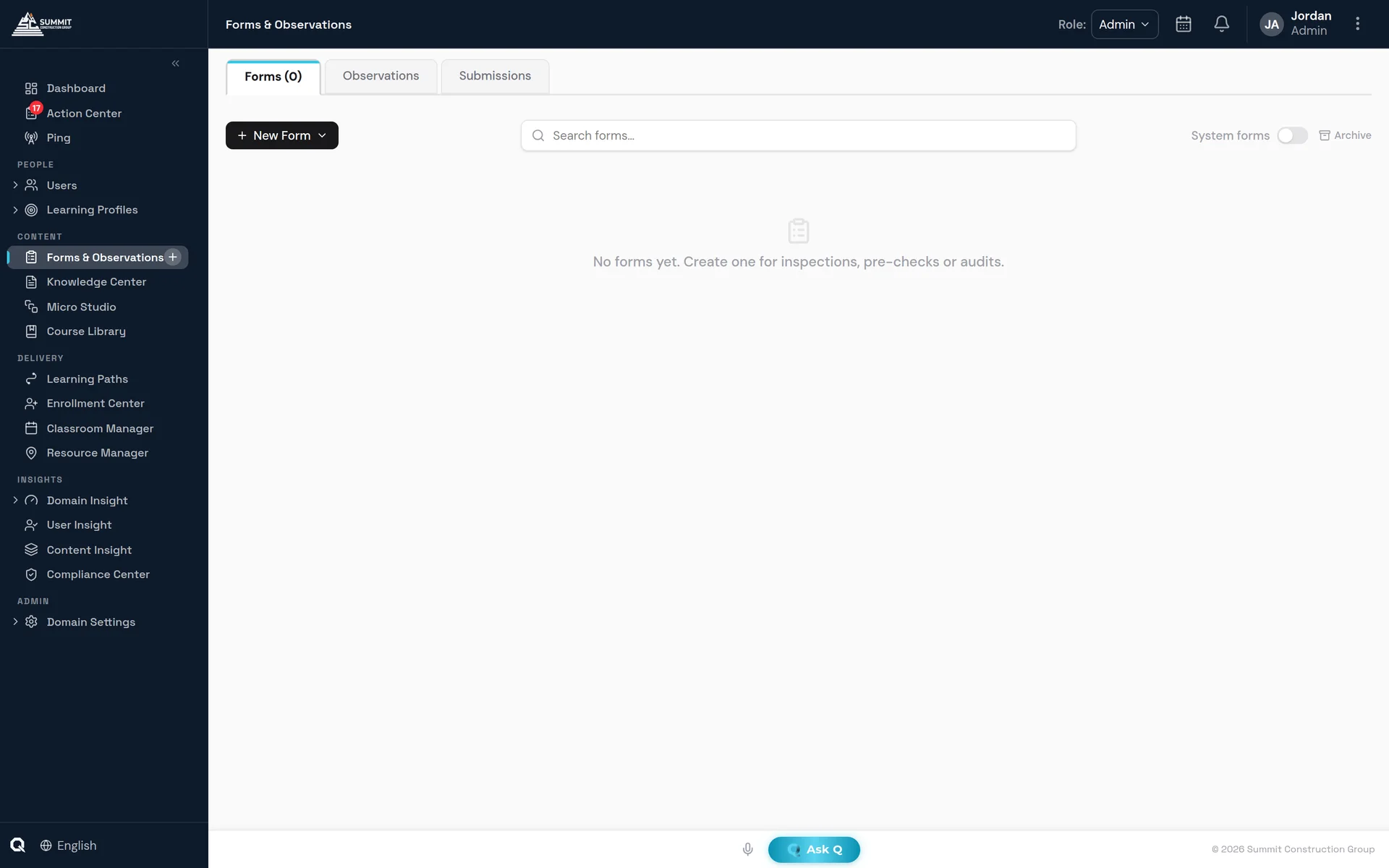
Forms & Observations — submissions from the point of work, with review status in the same view.
Included
What's included.
A code at the point of work
Any form or document is one scan away, attached to the item it covers.
Submissions checked on arrival
Each submission is checked for validity and accuracy when it is filed, so problems surface right away.
Routing that names a person
Anything below standard reaches the manager, the form owner or a chosen reviewer within a minute.
Observation in person
When a task has to be observed in person, attach the form to an observation and record the result in the same place.
FAQ
Questions buyers ask.
What kinds of observations can we run?
QaliberLMS supports ten observation types, including skills assessments, process audits and post-training evaluations. Observations can be instant, scheduled once or recurring, and carried out by a manager or a peer.
What is AI form review?
Q Review scores form submissions and can flag a submission for a person to review.
How is on-the-job training verified?
On-the-job training modules can name a mentor as reviewer, and practical assessments are demonstrated to a qualified person, with the result on the employee's training record.